Comprehensive Creator Guide
The Definitive Technical Guide to Social Media Video Archiving
An authoritative exploration into digital video encoding standards, content delivery infrastructures, mobile file management, and legal fair use for content creators and researchers.
1. The Proliferation of Vertical Short-Form Video
The global media consumption paradigm has undergone an irreversible transformation over the past decade. With the introduction and rapid dominance of algorithmic feeds such as Instagram Reels, YouTube Shorts, and TikTok, consumer engagement has shifted almost entirely to 9:16 vertical video. Built to accommodate the physiological mechanics of one-handed smartphone operation, vertical short-form media accounts for over 60% of total mobile internet traffic.
For digital marketers, educators, independent filmmakers, and creative agencies, these clips represent an invaluable repository of real-time market trends, aesthetic editing benchmarks, and cultural documentation. However, the ephemeral nature of algorithmic social feeds poses a profound challenge: videos can be deleted, accounts can be suspended, audio tracks can be muted due to renegotiated licensing contracts, and platform algorithms can abruptly bury landmark creative works. This reality has established a pressing imperative for creators to maintain localized offline archives of their personal productions and reference libraries.
2. The Technology of Video Extraction: How ReelsGrab Operates
Many users wonder how an online utility can extract an uncompressed 1080p video file from an application that offers no native download button. The answer lies in the fundamental architecture of the World Wide Web and Content Delivery Networks (CDNs).
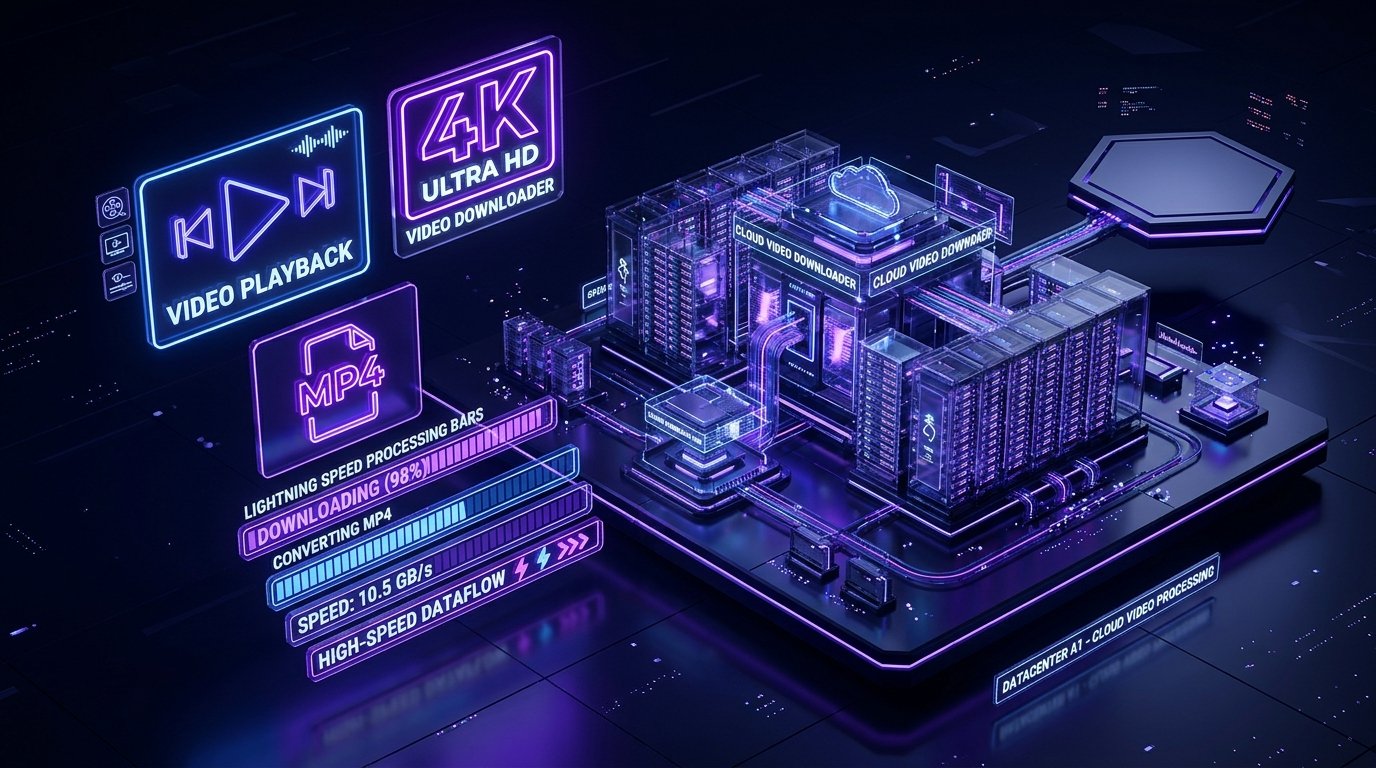
When you stream a video inside Instagram or YouTube, your device does not receive an encrypted, impenetrable proprietary data broadcast. Instead, your client app downloads a series of media segments governed by open standards such as Dynamic Adaptive Streaming over HTTP (DASH) or HTTP Live Streaming (HLS). The master stream manifest contains direct URLs to high-bitrate video chunks and stereo AAC audio channels hosted on massive cloud servers worldwide (such as Meta's CDN edge network or Google's YouTube edge infrastructure).
ReelsGrab's sophisticated serverless engine acts as an intelligent media parser. When you submit a link to http://reelsgrab.com/, our system performs the following sequence of operations:
- URL Resolution & Canonicalization: Social links frequently contain deep-link tracking parameters, referral tokens (e.g.,
?igsh=...), and redirection wrappers. ReelsGrab resolves these redirects to determine the canonical post identifier.
- Manifest Ingestion: The parser retrieves the underlying MPD or M3U8 manifest directly from the platform's public endpoints.
- Stream Demuxing & Watermark Stripping: Rather than capturing the rendered display output (which embeds branding logos and app watermarks), ReelsGrab targets the pristine, pre-rendered source stream.
- Multiplexing & Container Packaging: If the video and audio streams are stored in separate channels (standard for high-resolution DASH delivery), our engine combines them on-the-fly into a universally compliant ISO Base Media MP4 container.
- Direct Delivery: The final MP4 file is served directly to your browser buffer, achieving maximum download speed with zero quality degradation.
Technical Superiority: This direct manifest parsing approach guarantees that the downloaded video possesses the exact same color space, framerate (up to 60fps), and audio bitrate as the creator intended, without the frame drops and distortion typical of screen recording utilities.
3. Why Screen Recording is Technologically Inferior
A frequent shortcut utilized by mobile users is their device's built-in screen recording tool. While convenient for quick captures, screen recording introduces severe technical degradation that renders footage unsuitable for professional repurposing, archival storage, or high-definition viewing on desktop monitors:
- Interface Obstructions: Screen recordings capture app UI overlays—including like buttons, share counts, account handles, captions, and navigation arrows. Attempting to crop these out requires zooming in by 30% to 40%, drastically reducing perceived resolution and creating visible pixelation.
- Color Gamut and Dynamic Range Crushing: Mobile displays dynamically apply brightness scaling and tone-mapping (such as TrueTone or adaptive AMOLED color boosters). Capturing the display buffer flattens dynamic range, washing out vibrant highlights and crushing shadow details.
- Audio Compression & Phase Issues: Screen recorders capture internal system audio through a virtual loopback driver. This driver often downmixes 320kbps stereo tracks into compressed 96kbps mono streams with severe dynamic limiting and clipped frequencies.
- Framerate Jitter: Modern smartphones utilize variable refresh rate (VRR) screens (10Hz to 120Hz). Recording an active 30fps or 60fps video on a dynamic display frequently results in dropped frames and micro-stuttering that ruins smooth motion.
4. Platform Comparison Matrix
| Platform |
Max Video Resolution |
Default Container |
Audio Quality |
Watermark Behavior |
| Instagram Reels |
1080 x 1920 (Full HD) |
MP4 (H.264 / AVC) |
AAC 320 kbps / 48 kHz |
Clean stream via ReelsGrab |
| YouTube Shorts |
1080 x 1920 & 2160 x 3840 (4K) |
MP4 / VP9 / AV1 |
Opus / AAC 256 kbps |
No watermark on raw stream |
| TikTok Video |
1080 x 1920 (HD) |
MP4 (H.264) |
AAC 192 kbps |
Watermark removed via ReelsGrab |
| Facebook Watch |
1080 x 1920 & 1920 x 1080 |
MP4 (H.264) |
AAC 192 kbps |
Clean stream |
| Twitter / X |
1080 x 1920 & 720p |
MP4 (HLS segment stitch) |
AAC 128 kbps |
Clean stream |
5. Fair Use, Copyright Law, and Creator Ethics
A critical consideration for anyone engaging in media preservation is the legal framework governing downloaded content. In the United States, Section 107 of the Copyright Act codified the historic doctrine of Fair Use, which permits the unlicensed reproduction of copyrighted materials under specific conditions:
- Purpose and Character of Use: Educational analysis, journalistic reporting, commentary, parody, and personal non-commercial archiving enjoy strong protection. Commercial exploitation or passing off someone else's footage as your own is strictly prohibited.
- Nature of the Copyrighted Work: Factual or informational broadcasts receive broader fair use allowances than purely creative cinematic fiction.
- Amount and Substantiality: Utilizing brief excerpts or snippets for commentary or educational review is generally favored over replicating entire feature-length works.
- Effect Upon Market Value: If your use of the media harms the original creator's ability to monetize or distribute their work, it is far less likely to be deemed fair use.
ReelsGrab vigorously advocates for creator attribution and digital ethics. When referencing downloaded material in your own transformative works, always credit the original creator's handle and platform profile.
6. Step-by-Step Device Optimization
Whether operating on Apple iOS, Android, or desktop platforms, optimizing your local file management ensures seamless access to your saved video archives:
- iPhone / iPad Users: Once a video is downloaded via Safari, tap the Downloads icon in the address bar, open the file, tap the Share icon, and choose "Save Video" to immediately transfer the file from the Files sandbox directly into your Photos camera roll.
- Android Users: Downloaded MP4 files land instantly in your primary
/Download/ folder and automatically populate inside Google Photos and Samsung Gallery. Create custom albums (e.g., "Creative Inspiration") to keep your archives organized.
- Desktop Users (Mac & PC): Take advantage of keyboard shortcuts (
Ctrl + V / Cmd + V) for ultra-fast link pasting. Downloaded 1080p MP4 files can be dropped directly onto video editing timelines (DaVinci Resolve, Premiere Pro, Final Cut) without intermediate transcoding.